
iRobot Roomba 694
iRobot's entry point: WiFi scheduling without mapping, bump-navigation simplicity, and a price that makes robot vacuums accessible without the self-empty premium. What you lose is spatial intelligence; what you gain is reliability through minimalism.
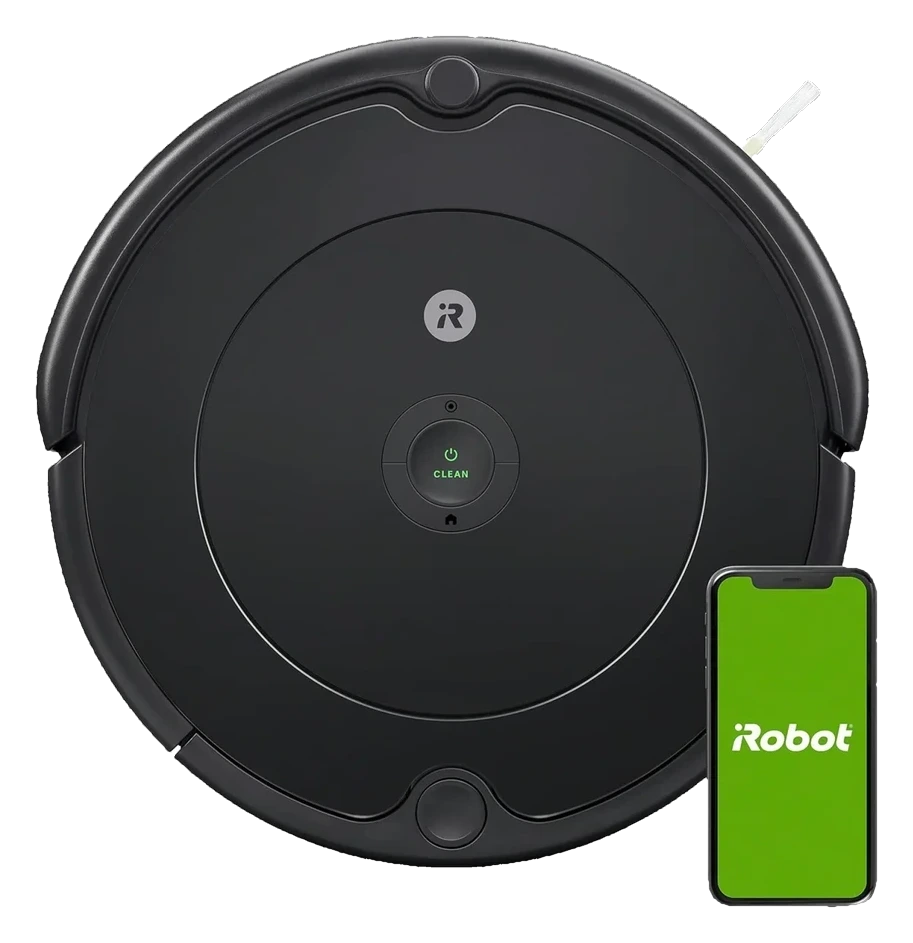
Will the iRobot Roomba 694 work in your home?
Describe your home using the controls. Each choice reads the spec sheet for you, flagging where the iRobot Roomba 694 is built for your space and where it isn’t.
A classification of fit for the conditions you set, not a recommendation. Verdicts describe engineering design intent, not test results.
The full spec sheet.
Priced below the category median, with every figure charted against the category below.
Position shows where the figure sits across the tracked category, not a quality judgment.
Living with it.
Simple bump navigation is rock-solid; WiFi scheduling is reliable at price point.
Owner reports and product reviews document consistent operation across the budget segment. No major firmware issues or recalls since 2021. Bump navigation is inherently robust; failures are typically user-setup (WiFi connectivity) rather than mechanical.
$274 to buy, then about $80 a year for the replaceable parts below. Over three years that is roughly $240 past the sticker price. Excludes electricity and any repairs.
- Main brushEvery 6-12 months$35
Replacement cadence from the maintenance schedule; prices shown where the source documents them.
CautionCord and loose object entanglement risk: No bump sensor on undercarriage edges. Hanging cords and loose carpet fringes can tangle in wheels.
CautionUnsupervised operation on split-level stairs: Bump navigation cannot distinguish floor boundaries. Use baby gates or door closures to prevent falls down stairs.
How the assessment has moved.
Every announcement, release and reassessment behind the current classification.
-
Aug 2026 · AssessmentRobovations Score revised 55 → 56
-
Aug 2026 · AssessmentRobovations Score rescored under v4.2: 62 → 55
-
Jul 2026 · AssessmentRobovations Score revised 60 → 62
-
Jul 2026 · AssessmentRobovations Score recorded at 60 of 100
-
Feb 2024 · NewsAmazon abandons iRobot acquisition, restructuring follows
How iRobot Roomba 694 compares.


What people actually ask.
CompatibilityDoes the Roomba 694 work with Alexa or Google Home?
CompatibilityCan the 694 map multiple rooms and clean them selectively via the app?
OperationWhat is the difference between the 694 and other Roomba models like the 675 or 692?
OperationHow long does the 694 run on a single charge, and can it resume cleaning if the battery dies mid-run?
CompatibilityWhat happens if the WiFi goes down? Can the 694 still clean?
OperationIs the 694 suitable for pet hair, and how often do the brushes need cleaning?
 II
II
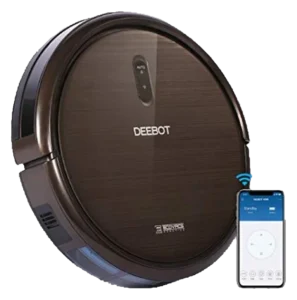
Ecovacs Deebot N79S
 II
II
Shark ION Robot 750
 II
II
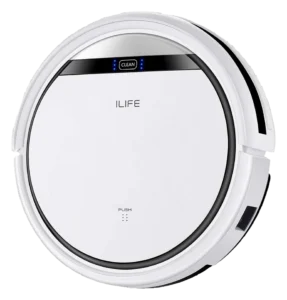
iLife V3s Pro
 II
II
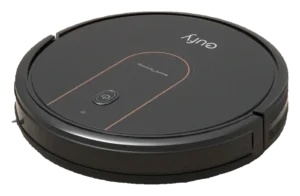
Eufy RoboVac 15C Max
Where it's sold
We may earn commission from qualifying purchases. This does not influence classification.
We are no longer finding a current new-stock listing for this robot. Remaining offers may be used, refurbished, or third-party — confirm the condition and price on the retailer’s page before buying.
Reference the iRobot Roomba 694 classification.
Embed the Autonomy Ladder™ mark or copy the citation. The mark is served from this record, so a reassessment updates it on your page automatically.
Get the embed code and citation
Scale proportionally only, up to 2× (536px wide)(224px wide). No recolouring, cropping, rotating, or re-typesetting.
Robovations. "iRobot Roomba 694: Autonomy Level II (Assisted Autonomy)." Autonomy Ladder™, assessed June 2026. https://robovations.com/robots/irobot-roomba-694/
- Link it. The mark must point at this record. An unlinked mark is not authorised.
- Hot-link it. Never download, self-host, or re-upload the image. A saved copy stops updating, and a mark that has stopped updating is a claim we no longer stand behind.
- A classification, not an endorsement. It may not appear beside language implying Robovations recommends, rates, or approves the product.