
A situation
Which robot vacuums still clean when Wi-Fi is down?
When the home network drops, the question is what the robot itself still does. This page checks each maker's pages for starting a clean, voice control and scheduling with Wi-Fi down.
This page checks
- Starting a cleanFrom a button on the robot
- Voice controlWith no network connection
- What waits for Wi-FiFeatures the maker ties to the app
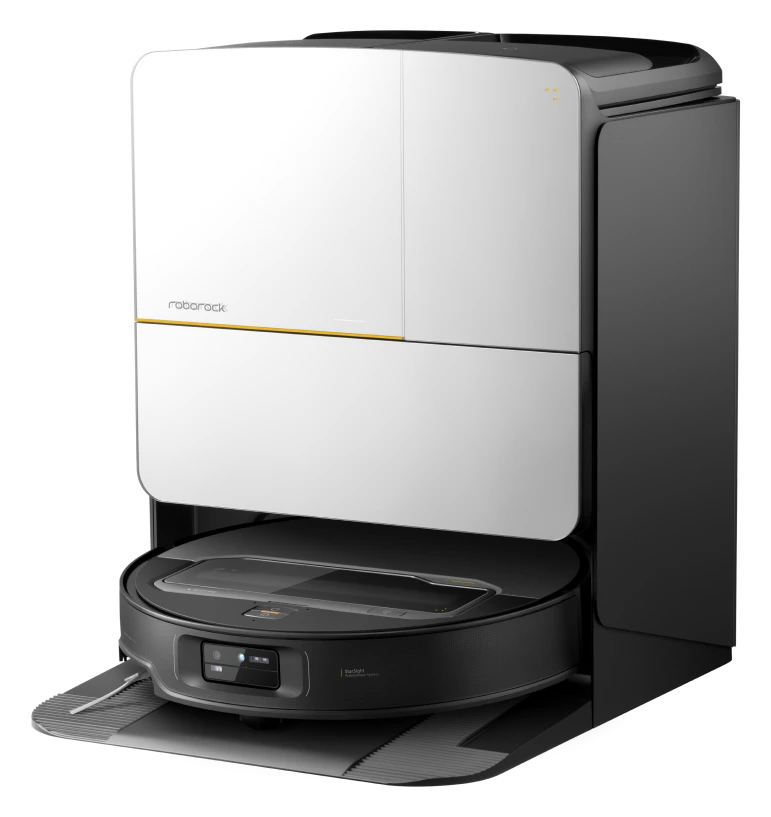
Roborock
Where to buy
Out of stock at Roborock US
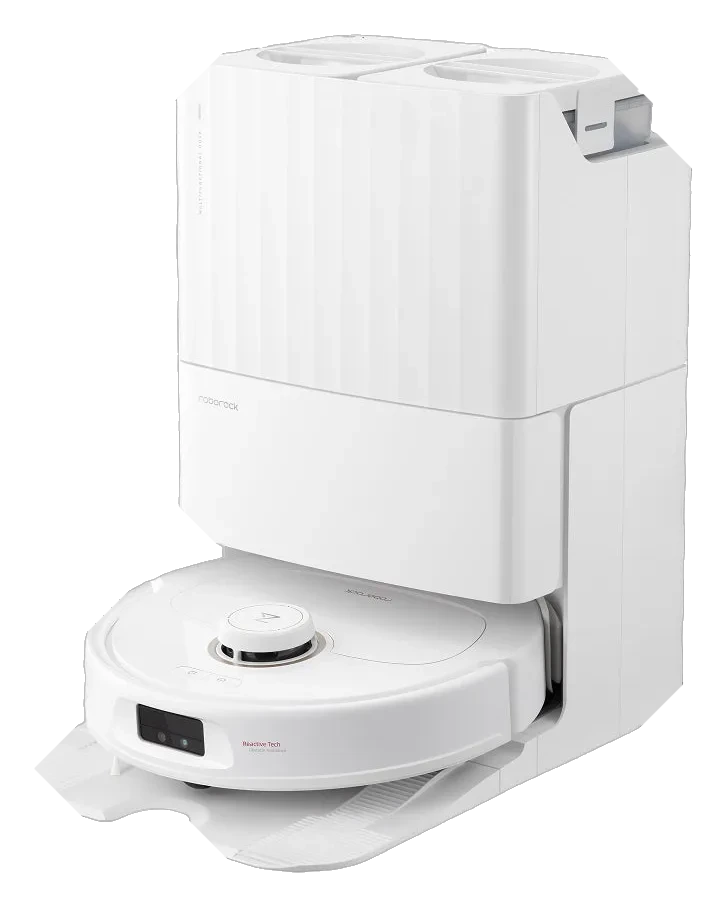
Roborock
Where to buy
Out of stock at Roborock US
Firmware update addresses Qrevo MaxV obstacle detection and mop lift accuracy

iRobot
Where to buy
Out of stock at iRobot US; select retailers only
iRobot j-series firmware update expands obstacle recognition and carpet detection
Full specifications18 figures on record · 16 differ
Some links earn Robovations a commission. Nothing on this page is ranked by it.
 S8 MaxV Ultra
 Qrevo MaxV
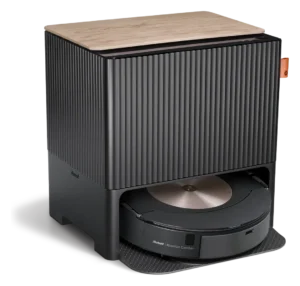 Roomba Combo j9+
Wi-Fi down
What each robot is documented to do on its own
Roborock's Qrevo MaxV FAQ and a hands-on guide for the S8 MaxV Ultra show a clean can start from the robot's button with Wi-Fi down. Nothing was found for the Roomba Combo j9+. Setting a schedule needs the app on every robot checked.
S8 MaxV Ultra Hands-on guide, May 2025 · Roborock US product pageQrevo MaxV Roborock help FAQ · Roborock US product pageRoomba Combo j9+ Searched iRobot support pages · iRobot support feature table
Same on all three: a schedule is set through the maker’s app, so Wi-Fi is needed to create one. No page opened says whether a schedule already saved still runs with Wi-Fi down.
Your home
How each one fits a home like yours
Set the conditions that describe your home. Each robot answers from its own Fit Check; nothing is scored until you choose.
Fit check
Describe your home
Pick what applies. Each robot answers from its own record.
Everything else
Where they land among 260 robot vacuums
Only the measures on which these three differ. The bar is the whole category; the block is the typical middle half; the tick is the median.
Sources
Where every figure comes from
- S8 MaxV Ultra · us.roborock.com product page (voice); Vacuum Wars offline guide, updated 14 May 2025 (button start, schedules)
- Qrevo MaxV · help.roborock.com Qrevo MaxV FAQ (button start, schedules); us.roborock.com product page (voice, stock)
- Roomba Combo j9+ · iRobot support article 163 feature table (voice, schedules); irobot.com product page (stock). iRobot's offline-use articles returned errors
Every value was read from a page opened on 2 Oct 2026. Not found means the pages listed were searched and say nothing, or would not load; it never means the robot lacks the feature.
Questions
What readers ask
Can a Roborock Qrevo MaxV clean with no Wi-Fi?
Yes, by button. Roborock’s help FAQ says it can run full-home and spot cleans and return to the dock with a button press. Scheduled cleaning and suction selection need Wi-Fi.
Does a subscription change how these robots behave offline?
No paid plan was found for the Roborock models or the Roomba Combo j9+. iRobot Select, a leased-robot plan, closed to new members in May 2024. Offline behavior was not found tied to any plan.
Does a saved schedule still run when Wi-Fi is down?
Not found. No maker page opened for these three says. Roborock’s FAQ and the hands-on guide only say creating a schedule needs Wi-Fi.
Common questions