
TP-Link Tapo RV30 Max Plus
TP-Link trades autonomy ceiling for sub-$500 entry to LiDAR mapping. L3 classification is solid; no L4 ambitions. It vacuums and mops and empties into a sealed-bag dock, and it lands closest to homes already running Tapo devices.
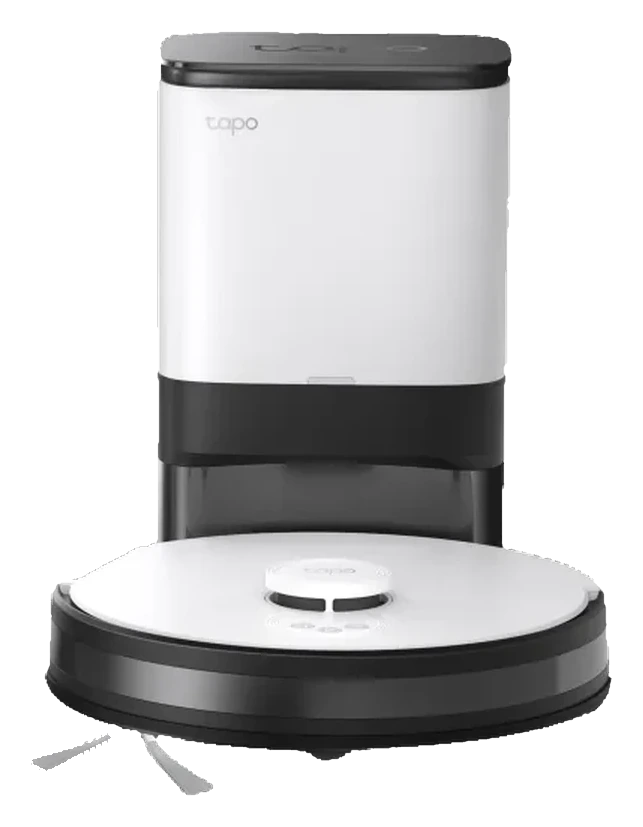
Will the TP-Link Tapo RV30 Max Plus work in your home?
Describe your home using the controls. Each choice reads the spec sheet for you, flagging where the TP-Link Tapo RV30 Max Plus is built for your space and where it isn’t.
A classification of fit for the conditions you set, not a recommendation. Verdicts describe engineering design intent, not test results.
The full spec sheet.
Priced below the category median, with every figure charted against the category below.
- Footprint
- 13.4 in dia · 3.9 in tall•
- Weight
- 6.2 lbs
- Battery
- 71 Wh · Li-ion
- Wi-Fi
- 2.4 GHz only
- Voice
- Matter, Google Home, Alexa
- Onboard dustbin
- 300 mL•
- Dust bag capacity
- 3 L•
- Dock type
- Auto-empty, dust only
- Threshold climb
- 0.9 in•
- Water tank capacity
- 300 mL•
LiDAR SLAM with AI obstacle avoidance and cliff detection
Position shows where the figure sits across the tracked category, not a quality judgment. Suction in Pascals has no standard test method, and the published figure is a peak-mode claim, so it is comparable only within a brand and generation.
Living with it.
Stable since launch; no major firmware issues. Dock seal sometimes leaks fine dust on tilted surfaces.
8+ months in market with healthy owner-report base. No documented recalls. Firmware updates rolled out monthly with incremental improvements (app responsiveness, scheduling granularity). Dust-bag seal design occasionally allows fine-particle escape on bumpy terrain; design defect remains unfixed.
$299 to buy. Ongoing running cost for this model hasn’t been assessed yet.
NoteDock dust-bag escape on ramps: Fine dust particles may escape during empty cycles if dock is on a slight incline (>5 degrees). Level flooring mitigates.
NoteCloud-dependent scheduling during Wi-Fi outages: Scheduled runs require active Wi-Fi connection to TP-Link cloud; offline robots do not queue runs for later resumption.
How the assessment has moved.
Every announcement, release and reassessment behind the current classification.
-
Aug 2026 · AssessmentRecord status: Verified → Provisional
-
Aug 2026 · AssessmentRobovations Score revised 72 → 71
-
Aug 2026 · AssessmentRobovations Score rescored under v4.2: 64 → 72
-
Aug 2026 · AssessmentRobovations Score rescored under v4.0: 69 → 64
-
Jul 2026 · AssessmentRobovations Score revised 67 → 69
-
Jul 2026 · AssessmentRobovations Score recorded at 67 of 100
-
Mar 2025 · UpdateTP-Link Tapo app adds Matter bridging support covering RV30 Max Plus
-
Nov 2024 · ReleaseLaunches commercially in the US
How TP-Link Tapo RV30 Max Plus compares.
What people actually ask.
OperationHow does the RV30 Max Plus differ from the RV30 Plus?
OperationDoes the RV30 Max Plus mop as well as vacuum?
CompatibilityCan I schedule cleaning while away without Tapo app on my phone?
OperationWhat is the self-empty dock's noise level during emptying?
OperationDoes the RV30 Max Plus avoid pet waste or detect carpet texture?
CompatibilityCan I use the RV30 Max Plus with non-Tapo smart home systems?
 III
III
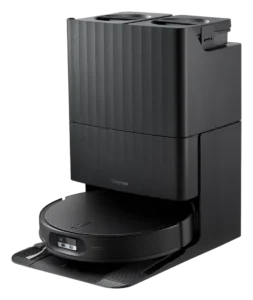
Roborock Qrevo Edge 2
 III
III
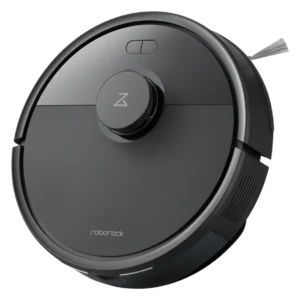
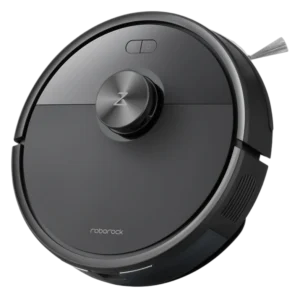
Roborock Q7 L5
 III
III
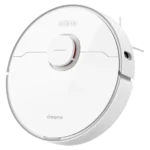
Dreame L10 Pro
Where it's sold
We may earn commission from qualifying purchases. This does not influence classification.
Reference the TP-Link Tapo RV30 Max Plus classification.
Embed the Autonomy Ladder™ mark or copy the citation. The mark is served from this record, so a reassessment updates it on your page automatically.
Get the embed code and citation
Scale proportionally only, up to 2× (536px wide)(224px wide). No recolouring, cropping, rotating, or re-typesetting.
Robovations. "TP-Link Tapo RV30 Max Plus: Autonomy Level III (Conditional Autonomy)." Autonomy Ladder™, assessed August 2026. https://robovations.com/robots/tp-link-tapo-rv30-max-plus/
- Link it. The mark must point at this record. An unlinked mark is not authorised.
- Hot-link it. Never download, self-host, or re-upload the image. A saved copy stops updating, and a mark that has stopped updating is a claim we no longer stand behind.
- A classification, not an endorsement. It may not appear beside language implying Robovations recommends, rates, or approves the product.