
iRobot Roomba 960
The Roomba 960 was the first mass-market vacuum to prove vSLAM alone could replace bump-based random navigation. Mapping technology that was flagship-only in 2016 became the category standard.
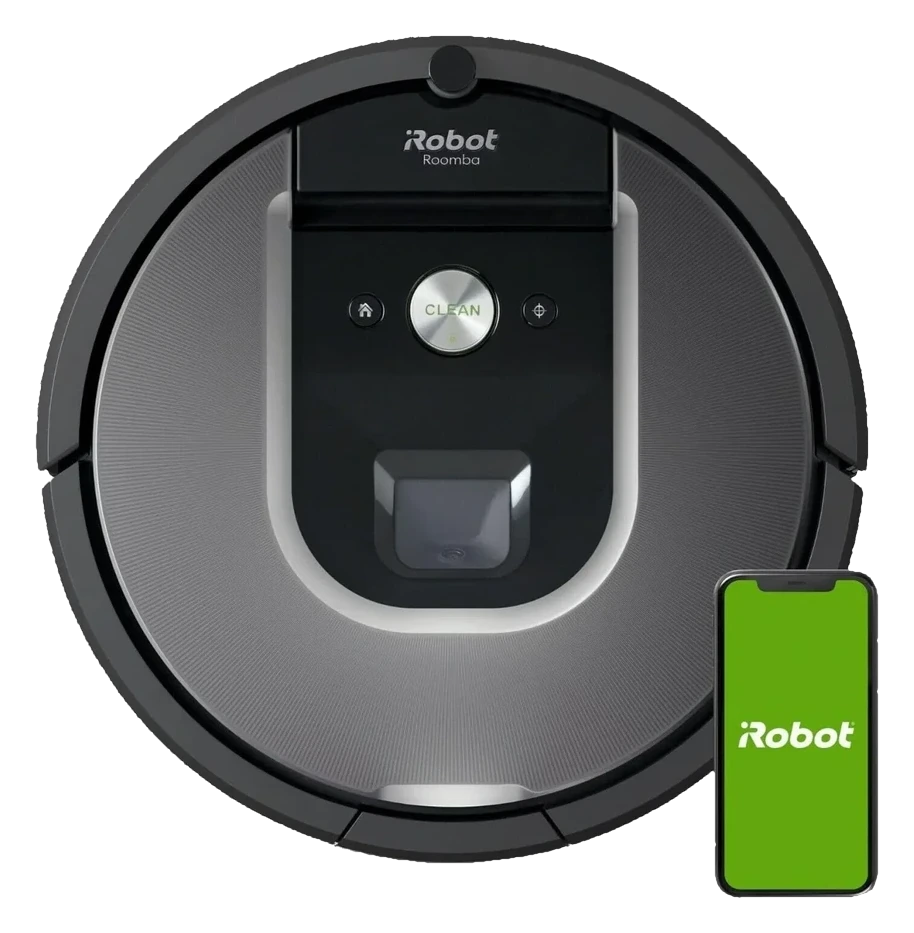
Will the iRobot Roomba 960 work in your home?
Describe your home using the controls. Each choice reads the spec sheet for you, flagging where the iRobot Roomba 960 is built for your space and where it isn’t.
A classification of fit for the conditions you set, not a recommendation. Verdicts describe engineering design intent, not test results.
Living with it.
Navigation stack stabilized after firmware 1.8; dock reliability proves high across the decade-long owner base.
→ Stableowner-reported arc
vSLAM camera refocus issues resolved by firmware 1.6.0 (2018). Dock contact cleaning and recovery behaviors remain consistent across 2024-era deployments. No major recall or regression documented post-2019.
Empty (600 ml capacity); check and remove tangles.
Clean dock with dry cloth; wash side brush bristles.
Replace primary if bristles show wear (aftermarket $20–$35).
Replace if clogged despite regular taps (aftermarket $15–$25).
Wipe optical sensors if robot misjudges carpet thresholds.
$699 to buy, then about $12 a year for the replaceable parts below. Over three years that is roughly $36 past the sticker price. Excludes electricity and any repairs.
- Typical for robot vacuums: annually
- Typical for robot vacuums: every 3-6 monthsWhere to buy Filter
Replacement cadence from the maintenance schedule; prices shown where the source documents them. Part links may earn a commission and do not influence the classification. All parts at iRobot
-
CautionBrush entanglement risk with hair or cables.Long hair and string can wrap the main brush; always check the brush before operation.
-
Fiber-optic cliff sensor can misread dark low-pile carpet as a cliff edge; validation run recommended before unsupervised multi-room deployment.
The full spec sheet.
Priced below the category median, with every figure charted against the category below.
- FootprintThe width, depth and height of the robot itself, without its dock.
- 13.8 in dia · 3.6 in tall✓
- WeightThe robot alone, without its dock, as the maker states it.
- 8.5 lbs
- BatteryStored energy in watt-hours; a larger pack runs longer, not harder.
- 50 Wh · Li-ion
- Wi-FiThe bands the robot can join; many models need a 2.4 GHz network to set up.
- 2.4 GHz only✓
- VoiceThe assistants the maker's app links to; the robot itself does not listen.
- Alexa, Google Home✓
- Onboard dustbinThe bin inside the robot; an auto-empty dock moves its contents into a bag.
- 600 mL•
- DockWhat the base does besides charging: empty the bin, wash and dry pads, refill water.
- Charge-only dock, no self-emptying
- Threshold climbThe tallest lip the robot is rated to cross; a door sill is about 0.8 in.
- 0.6 in✓
vSLAM camera + iAdapt 2.0 gyroscope guidance
Position shows where the figure sits across the tracked category, not a quality judgment.
How the assessment has moved.
Every announcement, release and reassessment behind the current classification.
-
Aug 2026 · AssessmentRobovations Score rescored under v4.2: 65 → 65
-
Jul 2026 · AssessmentRobovations Score recorded at 65 of 100
-
Jan 2025 · UpdateiRobot Home App Updates Raise Compatibility Questions for Roomba 960
-
Jan 2024 · NewsAmazon Abandons iRobot Acquisition After EU Regulatory Block
What people actually ask.
OperationCan the Roomba 960 clean multiple rooms without returning to dock between runs?
CompatibilityDoes the Roomba 960 work without Wi-Fi after initial setup?
ComparisonWhat is the actual runtime on sealed hard floors versus mixed floor homes?
OperationIs the Roomba 960 compatible with newer iRobot dock stations or spare parts from newer models?
OwnershipHow much does the Roomba 960 cost in the secondary market today?
 III
III
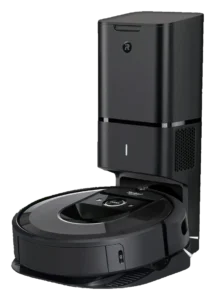
iRobot Roomba i7+
 III
III
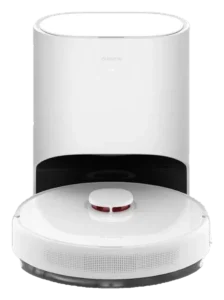
Dreame D10 Plus
 III
III
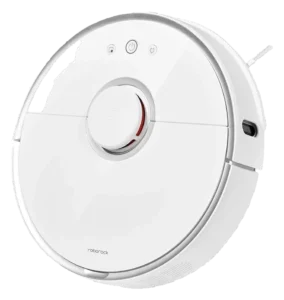
Roborock S5 Max
 III
III
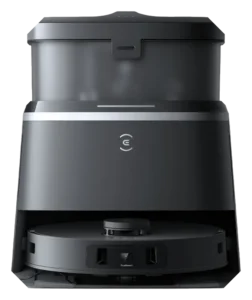
Ecovacs Deebot T30 Omni
Where it's sold
We may earn commission from qualifying purchases. This does not influence classification.
We are no longer finding a current new-stock listing for this robot. Remaining offers may be used, refurbished, or third-party — confirm the condition and price on the retailer’s page before buying.
Reference the iRobot Roomba 960 classification.
Embed the Autonomy Ladder™ mark or copy the citation. The mark is served from this record, so a reassessment updates it on your page automatically.
Get the embed code and citation
Scale proportionally only, up to 2× (536px wide)(224px wide). No recolouring, cropping, rotating, or re-typesetting.
Robovations. "iRobot Roomba 960: Autonomy Level III (Conditional Autonomy)." Autonomy Ladder™, assessed August 2026. https://robovations.com/robots/irobot-roomba-960/
- Link it. The mark must point at this record. An unlinked mark is not authorised.
- Hot-link it. Never download, self-host, or re-upload the image. A saved copy stops updating, and a mark that has stopped updating is a claim we no longer stand behind.
- A classification, not an endorsement. It may not appear beside language implying Robovations recommends, rates, or approves the product.