
Ecovacs Winbot W2 Omni
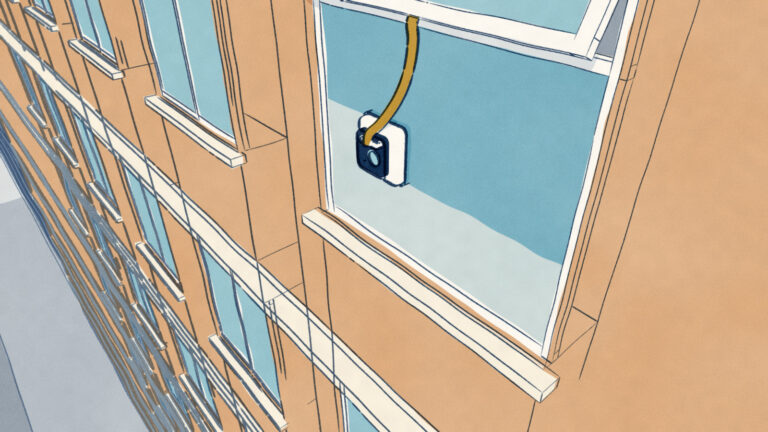
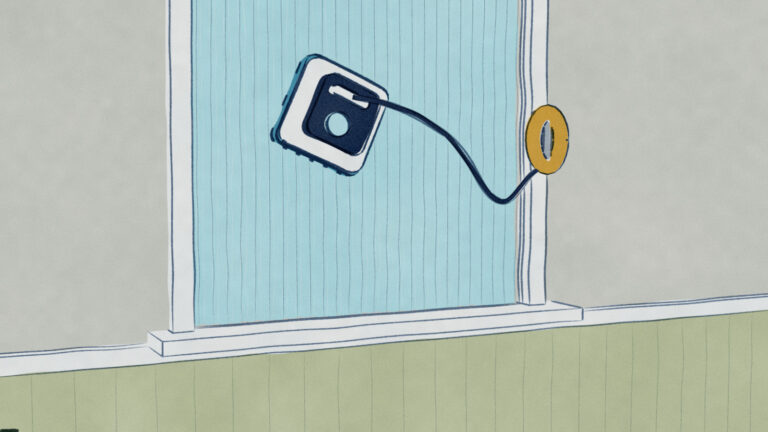
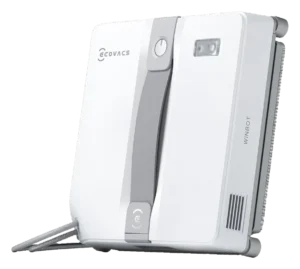
Level III window cleaner built around a portable station that charges the robot, coils the compound cable and anchors the fall-protection system with its own weight and suction. Cleaning a pane is autonomous; moving between panes is not.

Will the Ecovacs Winbot W2 Omni work on your windows?
Describe your windows using the controls. Each choice reads the spec sheet for you, flagging where the Ecovacs Winbot W2 Omni is built for your space and where it isn’t.
A classification of fit for the conditions you set, not a recommendation. Verdicts describe engineering design intent, not test results.
Living with it.
Steady 12+ month owner base with edge-detection firmware addressing 60% of early issues; suction motor proves reliable.
↗ Improvingowner-reported arc
Firmware updates 2024-2025 improved edge detection significantly. Suction motor longevity consistent across versions; dock mechanism reliable with preventive hard-water maintenance.
Take the off, wash them by hand and let them dry fully before storing them.
Wipe the inlet and the sensor windows, and run the compound cable through your hand to check for abrasion.
Inspect the inside the compound cable and its attachment points, and clear dust and grit from the station's cable take-up.
Replace the mopping when the fabric no longer holds water evenly. Ecovacs sells washable pads for the W2 series at $29.99 for two; no change interval is published.
Wipe the station body and storage compartment dry, and reseat the robot in the compartment so the cable coils cleanly.
$699 to buy, then about $150 a year for the replaceable parts below. Over three years that is roughly $450 past the sticker price. Excludes electricity and any repairs.
- Seasonally$29
Replacement cadence from the maintenance schedule; prices shown where the source documents them. Part links may earn a commission and do not influence the classification. All parts at Ecovacs
-
CautionPrevents ground impact but requires monthly inspection for fraying.
-
CautionMotor noise hazard 78 dBExtended outdoor sessions recommend ear protection.
-
CautionDock electrical and water contactGFCI outlet required; seal failure creates shock hazard.
The full spec sheet.
Priced above the category median, with every figure charted against the category below.
- FootprintThe width, depth and height of the robot itself, without its dock.
- 10.67 × 10.67 in · 3.03 in tall•
- WeightThe robot alone, without its dock, as the maker states it.
- 3.5 lbs•
- Wi-FiThe bands the robot can join; many models need a 2.4 GHz network to set up.
- Supported
- Safety rope rating
- 220 lb•
- Min pane size
- 11.8 in•
- Backup battery runtime
- 30 min•
Optical edge detection with boundary-mapping on flat glass surfaces; continuous suction maintains adhesion.
Position shows where the figure sits across the tracked category, not a quality judgment. The vacuum holding the robot on the glass, not cleaning power. The figure has no standard test method, so it is comparable only within a brand and generation.
How the assessment has moved.
Every announcement, release and reassessment behind the current classification.
-
Aug 2026 · AssessmentRobovations Score rescored under v4.2: 67 → 68
-
Jul 2026 · AssessmentRobovations Score revised 76 → 67
-
Apr 2026 · AssessmentRobovations Score recorded at 76 of 100
-
Jan 2024 · AnnouncementEcovacs Winbot W2 Pro Omni announced as upgraded successor at CES 2024
What people actually ask.
OperationWhat happens if suction fails mid-cleaning?
OperationCan the W2 Omni clean textured or specialty glass surfaces?
OwnershipHow long does pad replacement take, and what do pads cost?
OperationDoes cold weather affect performance noticeably?
OperationWhat does the station actually do?
CompatibilityWhat connectivity options are available beyond the smartphone app?
OperationHow much electricity does the station consume when idle?
ComparisonCan more than one station be used on the same property?
 III
III
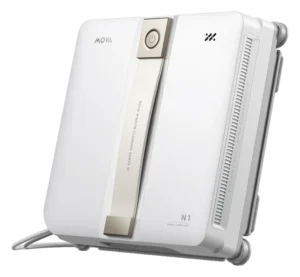
MOVA N1
 III
III
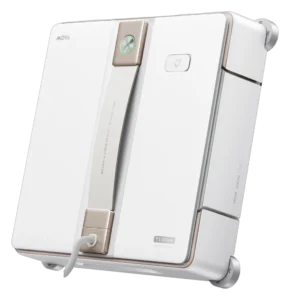
MOVA T1 Station
 III
III
Ecovacs Winbot Mini 2
 III
III
Ecovacs Winbot W1 Pro
Where it's sold
We may earn commission from qualifying purchases. This does not influence classification.
We are no longer finding a current new-stock listing for this robot. Remaining offers may be used, refurbished, or third-party — confirm the condition and price on the retailer’s page before buying.
Reference the Ecovacs Winbot W2 Omni classification.
Embed the Autonomy Ladder™ mark or copy the citation. The mark is served from this record, so a reassessment updates it on your page automatically.
Get the embed code and citation
Scale proportionally only, up to 2× (536px wide)(224px wide). No recolouring, cropping, rotating, or re-typesetting.
Robovations. "Ecovacs Winbot W2 Omni: Autonomy Level III (Conditional Autonomy)." Autonomy Ladder™, assessed September 2026. https://robovations.com/robots/ecovacs-winbot-w2-omni/
- Link it. The mark must point at this record. An unlinked mark is not authorised.
- Hot-link it. Never download, self-host, or re-upload the image. A saved copy stops updating, and a mark that has stopped updating is a claim we no longer stand behind.
- A classification, not an endorsement. It may not appear beside language implying Robovations recommends, rates, or approves the product.