
Autonomy Library·Reference
Robot Firmware Update
A robot firmware update is a manufacturer software change to a robot already in your home. Updates add capability and remove it: maps reset, features move behind fees, navigation changes. A robot’s autonomy classification can rise or fall after purchase, which is why every Robovations classification carries a date.
Counts are live·reviewed July 5, 2026
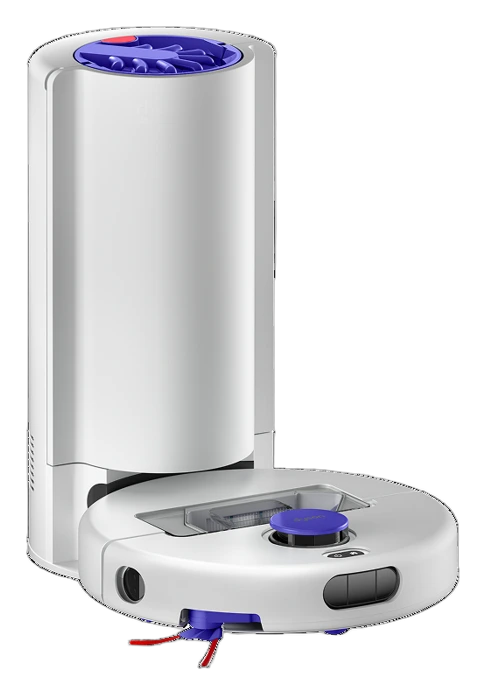
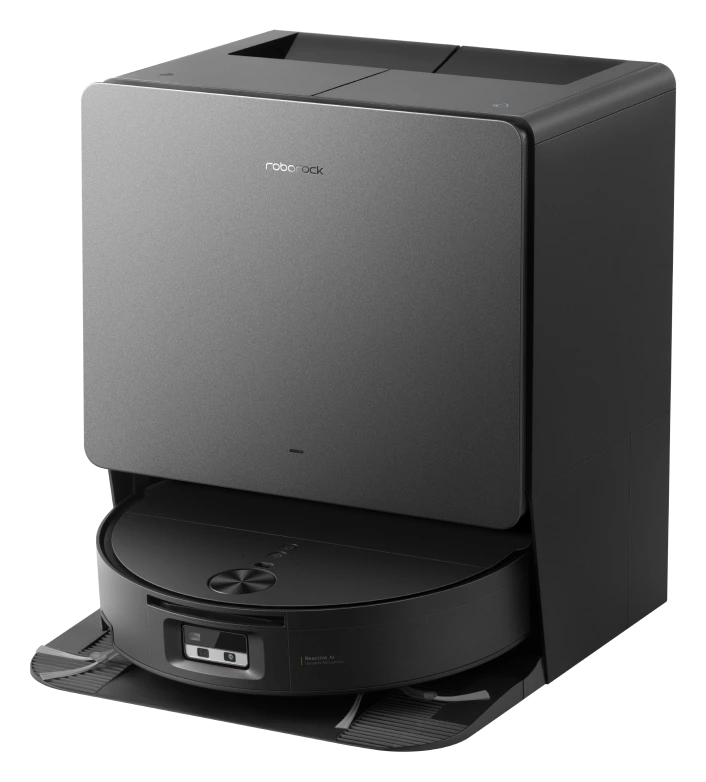
The robot you bought is a moving target
- 1
The updateOne day, unannounced in any specification. Nothing physical left the machine on it.
- 2
What stoppedThe dashed run is the service the buyer paid for and did not get.
- 3
Hardware unchangedThe sensor and the radio it used are both still fitted and still working.
-
Still runningunchanged by the update
-
Withdrawnhardware unchanged, permission removed
A computer with motors
A consumer robot is a computer with motors, and its behavior is mostly software. That makes the category unusual among appliances: the machine in your home this year can be meaningfully different from the one you unboxed, without anything physical changing.
The change runs in both directions. Updates have added new obstacle-recognition classes, better resume behavior, and whole features to shipped robots. Updates have also reset maps, changed docking behavior, removed capabilities, and forced app migrations. The full pattern is examined in when a firmware update changes the robot you bought.
What updates can change
| Improvements observed | Regressions observed |
|---|---|
| New obstacle types recognized and avoided. | Navigation changes that break established cleaning or mowing patterns. |
| Better recharge-and-resume and docking behavior. | Map resets that discard rooms, zones, and no-go areas the owner configured. |
| New features delivered to already-sold hardware. | Features removed, moved behind a fee, or discontinued with a service. |
| Safety and stability fixes. | Forced app or account migrations that change how the robot is controlled. |
Why this affects classification
An autonomy classification describes current behavior, so firmware can move it. A robot that gains reliable self-recovery can rise a level; one that loses cloud-dependent capability can fall. Robovations logs significant firmware events as Tracker entries and records reclassifications as assessment changes, so a robot’s history stays public alongside its current level.
When behavior changes after an update
A short diagnostic sequence for owners, before assuming a hardware fault.
-
01Check the release notes.Match the behavior change against the manufacturer’s changelog, if one is published. Undocumented behavior changes are common and worth reporting.
-
02Check whether the map survived.Many post-update complaints are map resets in disguise: the robot is fine, its model of your home is gone and needs rebuilding.
-
03Check community reports.If the change is update-driven, other owners on the same firmware will be describing it within days.
-
04Check for a rollback path.Most consumer robots offer none, which is itself worth knowing before an optional update is accepted.
Questions
Can a firmware update make my robot worse?
Yes. Documented cases include map resets, changed docking and navigation behavior, removed features, and forced app migrations. Most updates are neutral or positive; the possibility of regression is real and worth planning for.
Can a robot's autonomy level change after an update?
Yes. Classification describes current behavior, and firmware changes behavior. Robovations records such reclassifications as assessment-change entries in the Tracker, with the evidence that prompted them.
Are robot firmware updates mandatory?
It varies. Some robots apply updates automatically with no owner control, some allow scheduling or deferral, and some cloud-dependent features stop working until an update is accepted. The update policy is effectively part of the product.
What is a map reset?
The loss of the robot’s stored model of your home: rooms, zones, no-go areas, and schedules built on them. After a reset the robot must re-map, and owner configuration must be rebuilt by hand.
Does Robovations track firmware updates?
Significant ones, yes. Firmware events that change behavior, capability, or classification are logged as Tracker entries against the robot’s record, alongside the evidence.
Robot Subscription Gate·Robot Autonomy Levels·Robot Autonomy·Robot Vacuum Autonomy·Full library
Tracker: firmware and update entries →·Analysis: when firmware changes the robot →
Cite this page
Robovations. “Robot Firmware Updates: How Autonomy Changes After Purchase” Robovations Autonomy Library. Last reviewed July 5, 2026. https://robovations.com/robot-firmware-update/