
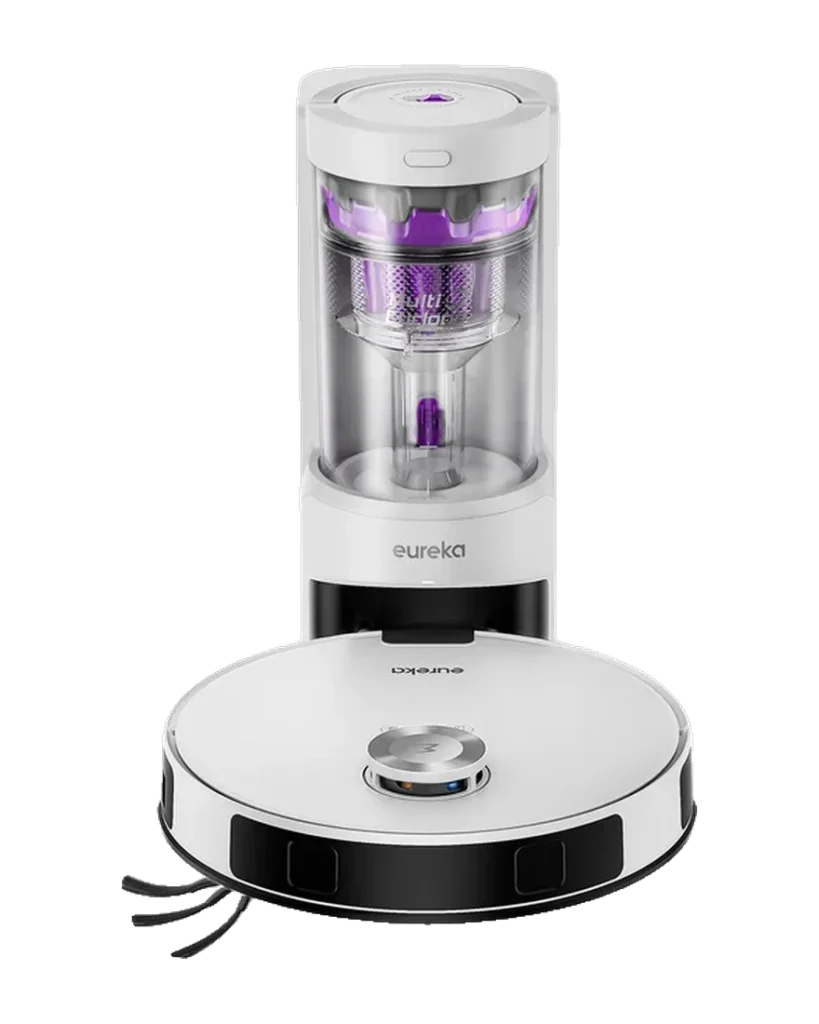
Eureka E20 Plus
LiDAR-guided vacuum and mop with DuoDetect AI 3D obstacle avoidance and a bagless self-emptying station, listed by Eureka at $449.99. The machine is rated at 8,000 Pa across three selectable suction levels and 180 minutes covering up to 300 m2, with the mop pad lifting 10 mm when carpet is detected. The station holds about 45 days of debris in a 2 L transparent bin, so there is no disposable bag in the running cost.
Will the Eureka E20 Plus work in your home?
Describe your home using the controls. Each choice reads the spec sheet for you, flagging where the Eureka E20 Plus is built for your space and where it isn’t.
A classification of fit for the conditions you set, not a recommendation. Verdicts describe engineering design intent, not test results.
The full spec sheet.
Priced below the category median, with every figure charted against the category below.
Position shows where the figure sits across the tracked category, not a quality judgment. Suction in Pascals has no standard test method, and the published figure is a peak-mode claim, so it is comparable only within a brand and generation.
Living with it.
Consistent in mapped environments; cliff sensors are the primary failure point in cluttered layouts.
Owner reports across retail channels describe reliable docking and resume-after-charge behavior. The main failure pattern is cable and small-object ingestion due to absent obstacle avoidance. Less than 24 months of longitudinal data limits the reliability score.
$449 to buy, then about $55 a year for the replaceable parts below. Over three years that is roughly $165 past the sticker price. Excludes electricity and any repairs.
- Side brushEvery 3-6 months$8–12
- FilterEvery 3-6 months$10–15
Replacement cadence from the maintenance schedule; prices shown where the source documents them.
CautionCable ingestion risk: No obstacle avoidance beyond cliff sensors; loose cables can jam the brush and stall the motor.
NoteSmall pet or infant households: Cliff sensors do not distinguish small animals or infants on the floor; supervise initial runs.
NoteDock power cord placement: Dock cord must be routed away from the robot travel path to prevent ingestion during dock approach.
How the assessment has moved.
Every announcement, release and reassessment behind the current classification.
-
Aug 2024 · AnnouncementUnveiled with bagless self-emptying station
-
Oct 2024 · ReleaseReaches Amazon and Walmart retail channels
-
Jul 2026 · AssessmentRobovations Score recorded at 66 of 100
-
Jul 2026 · AssessmentRobovations Score revised 66 → 65
-
Aug 2026 · AssessmentRobovations Score rescored under v4.0: 65 → 65
-
Aug 2026 · AssessmentRobovations Score rescored under v4.2: 65 → 69
-
Aug 2026 · AssessmentRobovations Score revised 69 → 70
-
Aug 2026 · AssessmentRecord status: Verified → Provisional
How Eureka E20 Plus compares.
What people actually ask.
OperationDoes the Eureka E20 Plus support multi-floor mapping?
OperationDoes the auto-empty station use disposable bags?
CompatibilityDoes the E20 Plus work on 5 GHz Wi-Fi?
OperationCan the E20 Plus be scheduled to clean specific rooms on different days?
OperationWhat happens if the E20 Plus runs out of battery mid-clean?
CompatibilityIs there a subscription required to use the full app feature set?
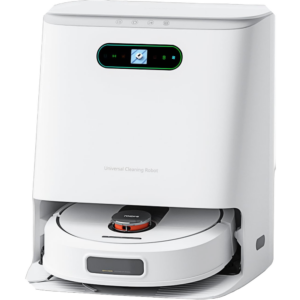 III
III
ROIDMI EVA
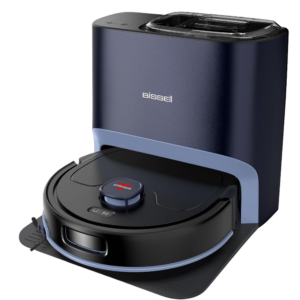 III
III
BISSELL FlexClean FurForce 2-in-1 Robot Vacuum and Mop
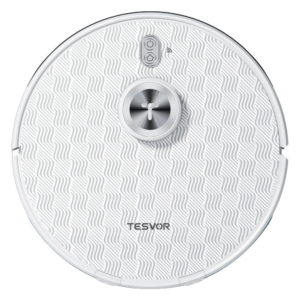 III
III
Tesvor S8 Pro Robot Vacuum Cleaner
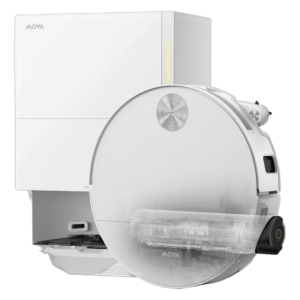 III
III
MOVA S70 Roller
Where it's sold
We may earn commission from qualifying purchases. This does not influence classification.
Reference the Eureka E20 Plus classification.
Embed the Autonomy Ladder™ mark or copy the citation. The mark is served from this record rather than saved as a file, so it always shows the level we currently hold. If we reassess, it updates on your page by itself.
- The mark must link to this record. An unlinked mark is not authorised.
- No recolouring, cropping, rotating, restyling, or re-typesetting. Scale proportionally only, up to 2×: the seal to 536px wide, the standard to 224px.
- Leave clear space equal to half the numeral tile on all sides: 32px on the seal, 22px on the standard.
- The mark states a classification, not an endorsement. It may not appear beside language implying Robovations recommends, rates, or approves the product.
- Hot-link the image from robovations.com. Do not download, self-host, proxy or re-upload it: a saved copy stops updating, and a mark that has stopped updating is a claim we no longer stand behind.
- The mark is live. It reflects the classification on this record as it stands. If we reassess, it changes on your page automatically. If we withdraw the classification, it stops rendering. Nothing is required from you either way.