
iRobot Roomba Combo j5+
The bin sets the mode. With the Roomba Combo bin installed the j5+ vacuums and mops in the same pass; with the dry bin installed it vacuums only. Self-emptying works with the dry bin and pauses while the Combo bin is fitted. Carpet protection is not automatic and has to be set up in the app before a mopping run.
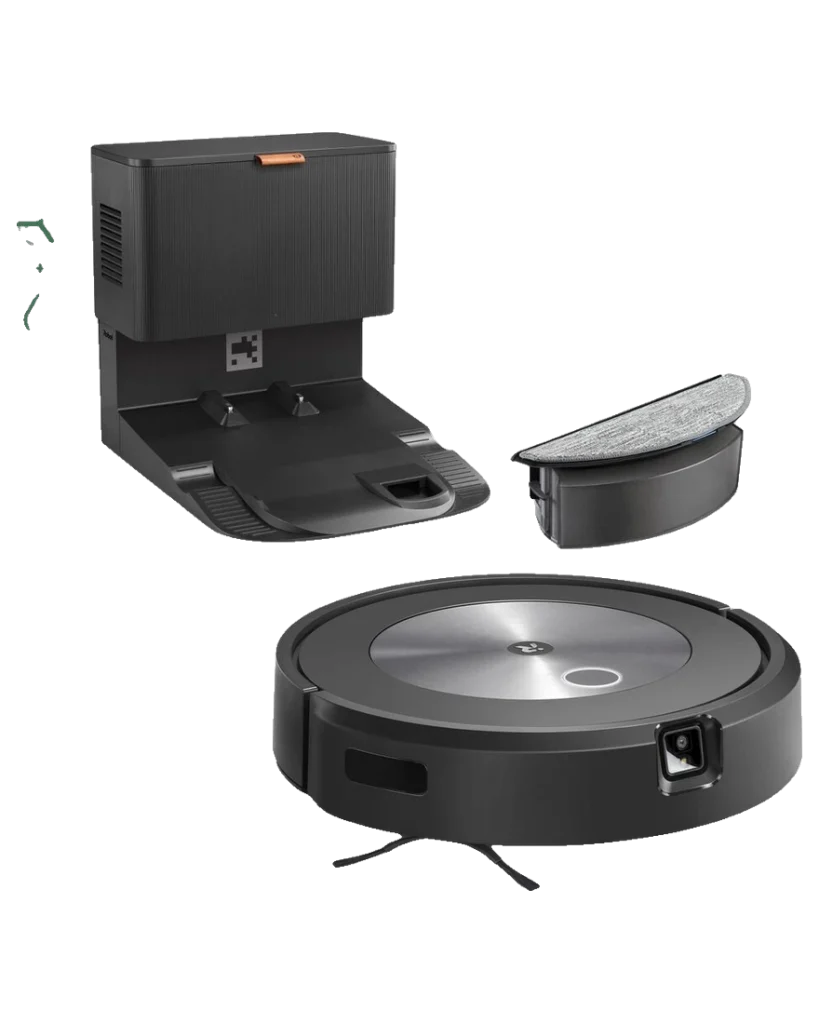
Will the iRobot Roomba Combo j5+ work in your home?
Describe your home using the controls. Each choice reads the spec sheet for you, flagging where the iRobot Roomba Combo j5+ is built for your space and where it isn’t.
A classification of fit for the conditions you set, not a recommendation. Verdicts describe engineering design intent, not test results.
The full spec sheet.
Priced below the category median, with every figure charted against the category below.
Position shows where the figure sits across the tracked category, not a quality judgment. Suction in Pascals has no standard test method, and the published figure is a peak-mode claim, so it is comparable only within a brand and generation.
Living with it.
Dock and vacuum mechanism are stable. Bin-swap discipline and water spillage are the primary failure vectors.
iRobot reported 94%+ run-completion rates on vacuum cycles. Mopping reliability is lower due to manual water refills and pad condition. Firmware 3.10+ (2024) improved carpet-detection safety to prevent water spillage on unexpected carpet.
$394 to buy, then about $180 a year for the replaceable parts below. Over three years that is roughly $540 past the sticker price. Excludes electricity and any repairs.
- FilterEvery 2 months$36
Replacement cadence from the maintenance schedule; prices shown where the source documents them.
CautionDock auto-empty air pressure with water present: If mop bin has residual water, dock air jet may spray water. Allow mop bin to dry completely before storing in dock.
NoteTrip hazard from swapped bins on floor: Vacuum and mop bins are identical size; swapping during robot operation can create clutter. Designate a storage spot for unused bin.
How the assessment has moved.
Every announcement, release and reassessment behind the current classification.
-
Sep 2023 · ReleaseLaunches with swappable vacuum-mop bin design
-
Jul 2026 · AssessmentRobovations Score recorded at 67 of 100
-
Jul 2026 · AssessmentRobovations Score revised 67 → 68
-
Aug 2026 · AssessmentRobovations Score rescored under v4.0: 68 → 58
-
Aug 2026 · AssessmentRobovations Score rescored under v4.2: 58 → 57
-
Aug 2026 · AssessmentRobovations Score revised 57 → 62
How iRobot Roomba Combo j5+ compares.
What people actually ask.
OperationCan the j5+ vacuum and mop in the same session, or do you swap bins every time?
OperationWhat happens if you leave the mopping bin installed?
OperationHow does mopping work without water heating or auto-lift?
OperationIs the j5+ mopping capability worth the bin-swap inconvenience?
OperationCan you clean and reuse mop pads, or do you need to replace them?
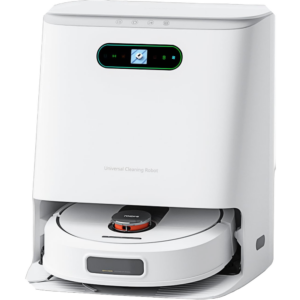 III
III
ROIDMI EVA
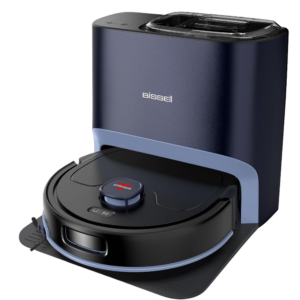 III
III
BISSELL FlexClean FurForce 2-in-1 Robot Vacuum and Mop
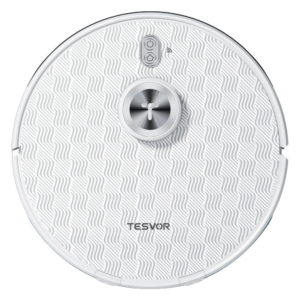 III
III
Tesvor S8 Pro Robot Vacuum Cleaner
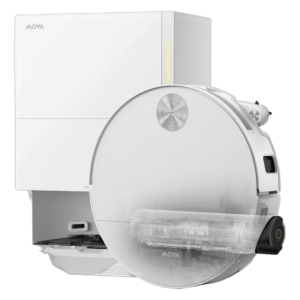 III
III
MOVA S70 Roller
Where it's sold
We may earn commission from qualifying purchases. This does not influence classification.
Reference the iRobot Roomba Combo j5+ classification.
Embed the Autonomy Ladder™ mark or copy the citation. The mark is served from this record rather than saved as a file, so it always shows the level we currently hold. If we reassess, it updates on your page by itself.
- The mark must link to this record. An unlinked mark is not authorised.
- No recolouring, cropping, rotating, restyling, or re-typesetting. Scale proportionally only, up to 2×: the seal to 536px wide, the standard to 224px.
- Leave clear space equal to half the numeral tile on all sides: 32px on the seal, 22px on the standard.
- The mark states a classification, not an endorsement. It may not appear beside language implying Robovations recommends, rates, or approves the product.
- Hot-link the image from robovations.com. Do not download, self-host, proxy or re-upload it: a saved copy stops updating, and a mark that has stopped updating is a claim we no longer stand behind.
- The mark is live. It reflects the classification on this record as it stands. If we reassess, it changes on your page automatically. If we withdraw the classification, it stops rendering. Nothing is required from you either way.