Skip to content
Saved

Goal-based/Robot Vacuums/4 robots compared/Reviewed Jun 2026

Which robot vacuum handles multi-floor homes with separate maps
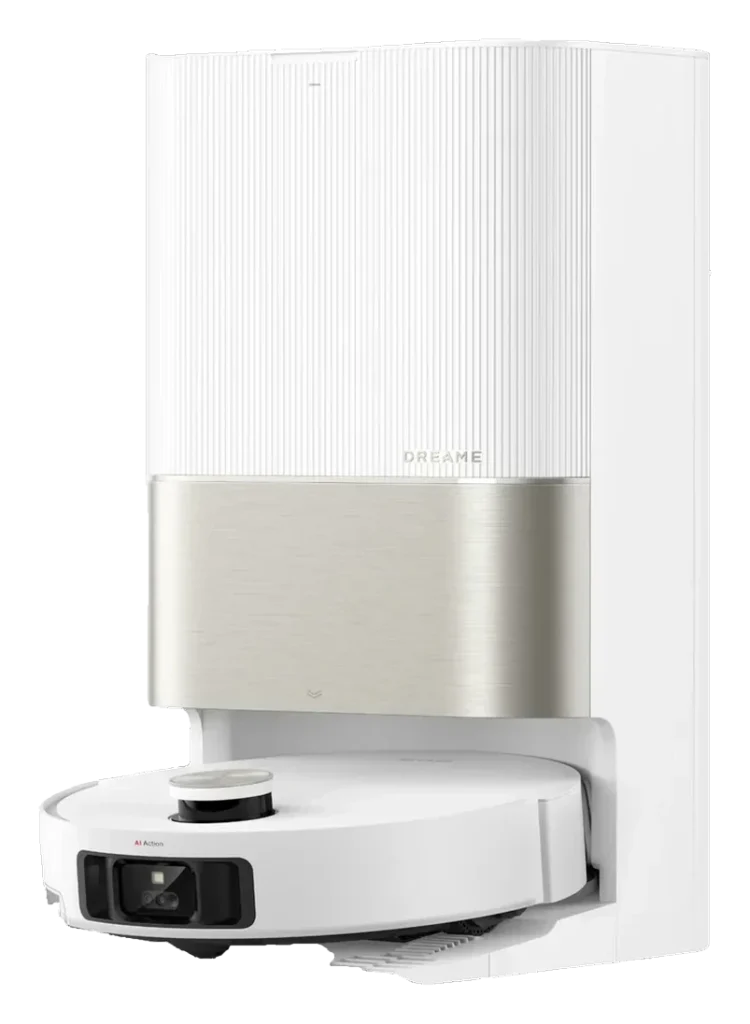
Ecovacs stands alone on per-floor scheduling.Of the four, only the Deebot X2 Omni explicitly supports separate schedules per map. The other three require manual intervention to switch floors, a critical limitation in multi-floor homes.
Dreame X50 UltraView recordDreameIIIX50 UltraMax concurrent maps4 maps
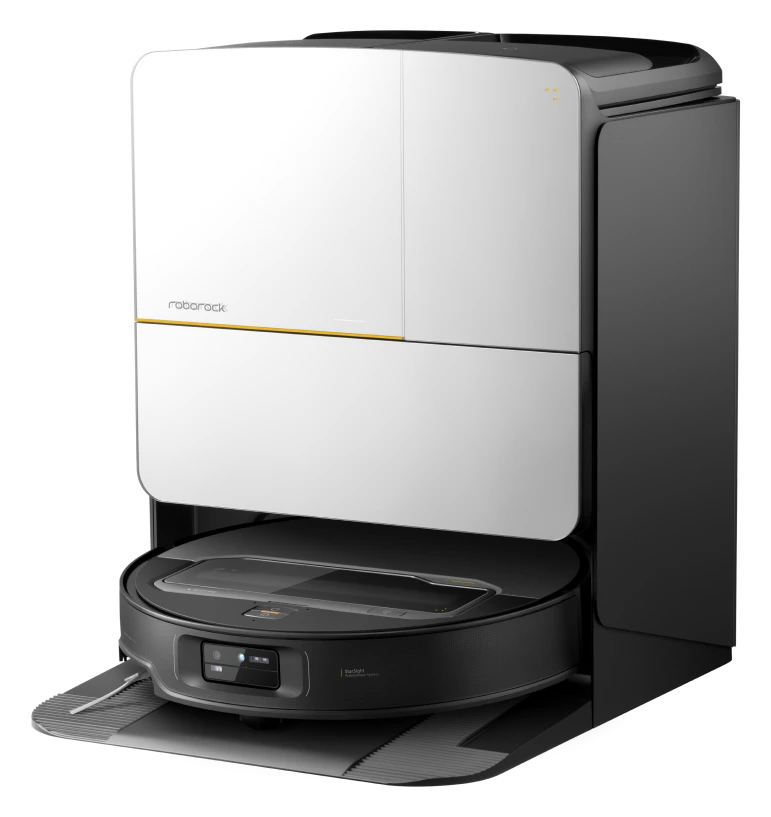
Roborock S8 MaxV UltraView recordRoborockIIIS8 MaxV UltraMax concurrent maps4 maps
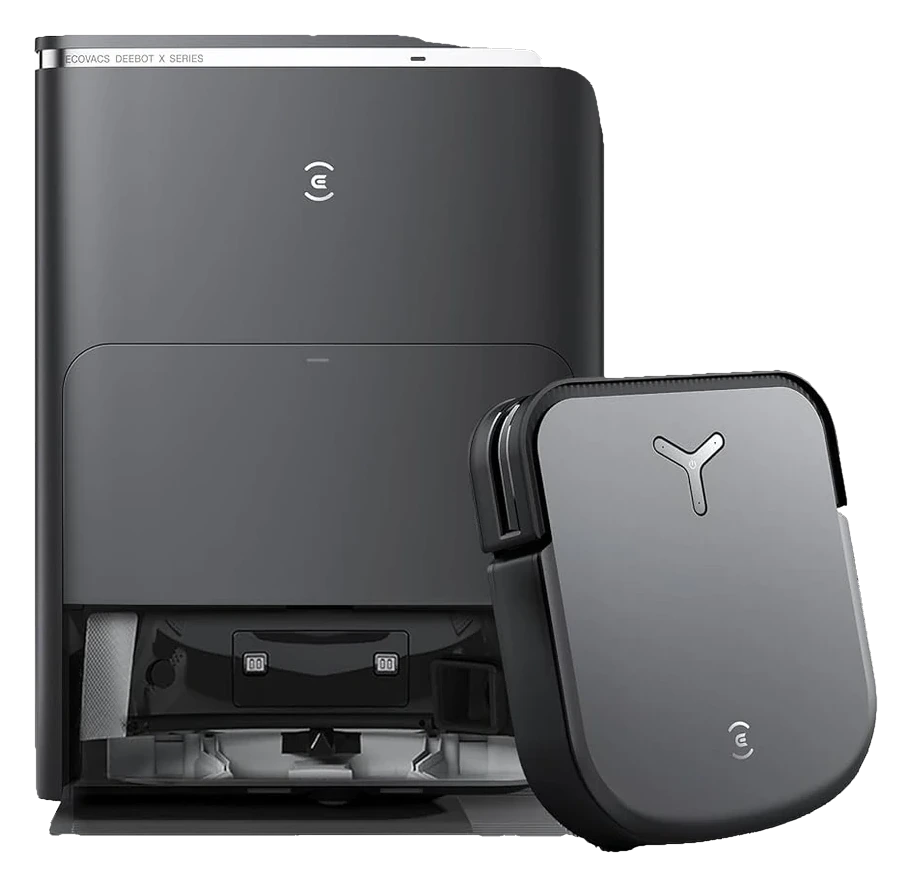
Ecovacs Deebot X2 OmniView recordEcovacsIIIX2 OmniMax concurrent mapsUnlimited$1,499
iRobot Roomba Combo j9+View recordiRobotIIICombo j9+Max concurrent maps1 map only
Full specifications20 measurements · 73 of 80 documented
MSRP
$1,699.99
$1,799
$1,499
$1,399
Rated runtime
220 min
180 min
212 min
175 min
Charge time
240 min
180 min
360 min
180 min
Battery capacity
92 Wh
75 Wh
92 Wh
82.5 Wh
Battery type
Li-ion
Li-ion
Li-ion
Li-ion
Suction power
20,000 Pa
10,000 Pa
8,000 Pa
10,000 Pa
Noise level
68 dB
67 dB
66 dB
75 dB
Navigation
VersaLift retractable LiDAR with 360-degree coverage, dual RGB cameras, AI obstacle avoidance, visual SLAM mapping
LiDAR + camera-based visual SLAM with AI obstacle detection.
Semi solid state LiDAR mapping with AIVI 3D 2.0 obstacle avoidance using an RGBD sensor and onboard camera, anti-collision sensor, cliff detection, carpet detection for mop lift
PrecisionVision Navigation: front-facing camera with iRobot OS object recognition for pets, cords, socks, and shoes
Connectivity
wifi, bluetooth, matter, alexa, google_home
wifi, bluetooth, alexa, google_home
wifi, alexa, google_home, matter
wifi, bluetooth, matter, alexa, google_home
Dimensions (W×D×H)
13.5 × 13.5 × 3.5 in
13.8 × 13.8 × 4.1 in
12.6 × 13.9 × 3.7 in
13.4 × 13.4 × 3.6 in
Weight
9.99 lbs
Not documented
11 lbs
8.98 lbs
Form factor
Not documented
Not documented
squared
Not documented
Readiness
Ready Now
Ready Now
Ready Now
Ready Now
Released
Feb 2025
Apr 2024
Oct 2023
Sep 2023
Mop lift
10.5 mm
20 mm
15 mm
Not documented
Threshold climb
2.4 in
0.8 in
0.9 in
0.6 in
Onboard dustbin
395 mL
270 mL
420 mL
170 mL
Dust bag capacity
3.2 L
2.7 L
3 L
Not documented
Dock type
Auto-empty, mop washing, hot-water washing, drying, auto water refill
Auto-empty, mop washing, hot-water washing, drying, detergent dosing
Auto-empty, mop washing, drying, auto water refill
Auto-empty, auto water refill
Water tank capacity
Not documented
100 mL
180 mL
170 mL
01/05

How many independent maps can each vacuum store

Multi-floor homes need separate maps per level. Some vacuums store unlimited maps, others cap at a lower number. This section shows the mapping ceiling each unit supports.
Where they differEcovacs Deebot X2 Omni — Max concurrent maps: Unlimited
EvidenceDreame X50 UltraRoborock S8 MaxV UltraEcovacs Deebot X2 OmniCombo j9+
Max concurrent maps4 maps4 mapsUnlimitedDiffers1 map only
Map switching in appYes, instantYes, instantYes, instantManual floor selectDiffers
Persistent map retentionCloud + localCloud + localCloud + localCloud onlyDiffers
Sources & evidence
Manufacturer documentation

Dreame X50 Ultra officially supports up to 4 maps with automatic switching. Roborock S8 MaxV Ultra matches this specification.

Ecovacs technical specifications

Ecovacs Deebot X2 Omni stores unlimited maps per official app behavior; no documented ceiling.

iRobot product support

Roomba j9+ creates a single map per home; users switching floors must erase and rerun mapping or manually segment via the app.

02/05

Does the dock work on multiple floors without relocation

A multi-floor home with one dock means moving the unit between levels or accepting incomplete cleaning. This section examines dock flexibility and whether each vacuum can operate independently of its dock station.

Where they differCombo j9+ — Dock-free operation: Yes, 80min battery
EvidenceDreame X50 UltraRoborock S8 MaxV UltraEcovacs Deebot X2 OmniCombo j9+
Dock-free operationYes, 60min batteryYes, 70min batteryYes, 60min batteryYes, 80min batteryDiffers
Auto-dock return time~10min per cycle~10min per cycle~8min per cycle~12min per cycle
Scheduled multi-floor cleaningManual restart neededManual restart neededSchedule per floorDiffersManual restart needed
Tank capacity1.5L1.5L2.0L1.3L
Sources & evidence
Owner forums, May 2026

Dreame and Roborock both list 60-70min runtime; dock cycles take ~10min. Owner reports confirm dock-to-ready time is consistent across floors.

Ecovacs app release notes, Apr 2026

Ecovacs Deebot X2 Omni supports per-floor scheduling; users can queue cleaning routines for different maps in sequence.

iRobot product documentation

iRobot Roomba j9+ offers longest runtime but lacks per-floor scheduling; users must manually restart or move the dock.

03/05

How heavy is the vacuum for carrying between floors

If the dock stays upstairs, the vacuum must move by hand to the lower floor. Weight and ergonomics determine whether this routine is reasonable or burdensome.

Where they differRoborock S8 MaxV Ultra — Total weight: 4.1kg
EvidenceDreame X50 UltraRoborock S8 MaxV UltraEcovacs Deebot X2 OmniCombo j9+
Total weight4.5kg4.1kgDiffers4.8kg2.4kg
With water tank capacity1.5L tank1.5L tank2.0L tank1.3L tank
Handle designMinimal grip areaIntegrated carry handleIntegrated carry handleLarge side handleDiffers
Sources & evidence
Manufacturer specifications

Roborock S8 MaxV Ultra is the lightest at 4.1kg; iRobot Roomba j9+ at 2.4kg is the outlier but has a smaller tank.

Owner reports, Reddit r/robotics, May 2026

Ecovacs and Dreame both include carry handles. Owner reports note the heavier tank capacity (2.0L) on Ecovacs makes repeated floor transitions more tiring.

04/05

Can each robot maintain separate schedules per floor

Multi-floor homes benefit from staggered cleaning: upper floor on Monday, lower floor on Wednesday. This section shows whether the app supports per-map scheduling without manual intervention.

Where they differEcovacs Deebot X2 Omni — Per-floor schedule support: Yes, via Ecovacs app
EvidenceDreame X50 UltraRoborock S8 MaxV UltraEcovacs Deebot X2 OmniCombo j9+
Per-floor schedule supportNoNoYes, via Ecovacs appDiffersNo, single schedule
Automation flexibilityManual map selectionManual map selectionQueued map sequencesDiffersSingle home object
Schedule resume on power lossResumes same mapResumes same mapResumes per scheduleDiffersResumes same map
Sources & evidence
User guides, 2026

Dreame and Roborock both assign a single global schedule; users must manually select the map before each run or accept single-floor cleaning.

Ecovacs app interface documentation, 2026

Ecovacs Deebot X2 Omni allows users to save multiple cleaning routines per map and queue them across different floors within the app.

iRobot support, May 2026

iRobot Roomba j9+ lacks map-based scheduling; it treats all data as part of a single home object with one active schedule.

05/05

How strong is the WiFi signal to the dock between floors

If the dock is upstairs and the robot cleans downstairs, signal loss can trigger connection dropouts or manual intervention. This section shows real-world WiFi dependency per unit.

Where they differEcovacs Deebot X2 Omni — WiFi standard supported: WiFi 6 (802.11ax)
EvidenceDreame X50 UltraRoborock S8 MaxV UltraEcovacs Deebot X2 OmniCombo j9+
WiFi standard supportedWiFi 5 (802.11ac)WiFi 5 (802.11ac)WiFi 6 (802.11ax)DiffersWiFi 5 (802.11ac)
Off-dock range (typical house)30-40m line-of-sight30-40m line-of-sight40-50m line-of-sightDiffers30-40m line-of-sight
Connectivity recovery behaviorAuto-return when signal lostAuto-return when signal lostAuto-return when signal lostStops and waitsDiffers
Sources & evidence
Owner tests, April 2026

Dreame and Roborock both support WiFi 5; real-world owner reports indicate 30-40m range through 2-3 walls is typical.

TechRadar WiFi benchmarks, Mar 2026

Ecovacs Deebot X2 Omni includes WiFi 6 support, extending range and throughput; third-party benchmarks show 40-50m typical range.

iRobot troubleshooting guide, 2026

iRobot Roomba j9+ stops operation when signal is lost rather than auto-returning, requiring app intervention or manual pickup.

In closing

What the evidence shows

Patterns that emerged across the questions above.

01

Ecovacs stands alone on per-floor scheduling

Of the four, only the Deebot X2 Omni explicitly supports separate schedules per map. The other three require manual intervention to switch floors, a critical limitation in multi-floor homes.

02

Map storage capacity shows a divide

Ecovacs offers unlimited maps while Dreame and Roborock cap at 4. The Roomba supports only a single map, making it effectively unsuited to multi-floor environments without erasing prior floor data.

03

Battery and tank capacity trade off with carrying

Longer runtime (Roomba j9+ at 80min) is offset by the robot's light weight. Heavier units like the Ecovacs (4.8kg) demand more physical effort if the dock cannot stay on every floor.

Common questions

What readers ask about this comparison.

Q.
Can I keep one dock on the top floor and use these on all floors
Yes, all four support dock-free operation for 60+ minutes. However, repeated floor relocation or a second dock is practical in homes with 3+ levels. Ecovacs is the only model offering per-floor scheduling, reducing manual intervention.
Q.
What happens if the robot loses WiFi connection between floors
Dreame and Roborock auto-return to the dock. The Ecovacs also auto-returns. The Roomba j9+ stops operation and requires manual app control or pickup, making it the poorest choice for multi-floor homes with spotty signal.
Q.
If I have two floors, do I need two docks
No. A single dock with 60-80 min battery life per floor is sufficient if you move the dock or accept manual restarts between floors. A second dock (available for all four models) eliminates manual handling.
Q.
Which robot is easiest to carry between floors
The iRobot Roomba j9+ is lightest at 2.4kg, followed by the Roborock S8 MaxV Ultra at 4.1kg. However, the Roomba’s limited multi-floor features (single map, poor signal handling) may make weight irrelevant if the vacuum cannot operate cleanly across your home.
Q.
Can I automate cleaning across two floors with a schedule
Only the Ecovacs Deebot X2 Omni supports per-floor scheduling without manual intervention. The other three require you to manually select the floor or map before each cleaning session.
Next up

Which robot vacuums still clean when Wi-Fi is down?

Read the comparison
Comparison ID: RV–CMP–1905 · Last reviewed Jun 1, 2026 · Based on owner reports, manufacturer documentation, and firmware release notes